
Festive light with warm cinematic contrast.
The character of the collection
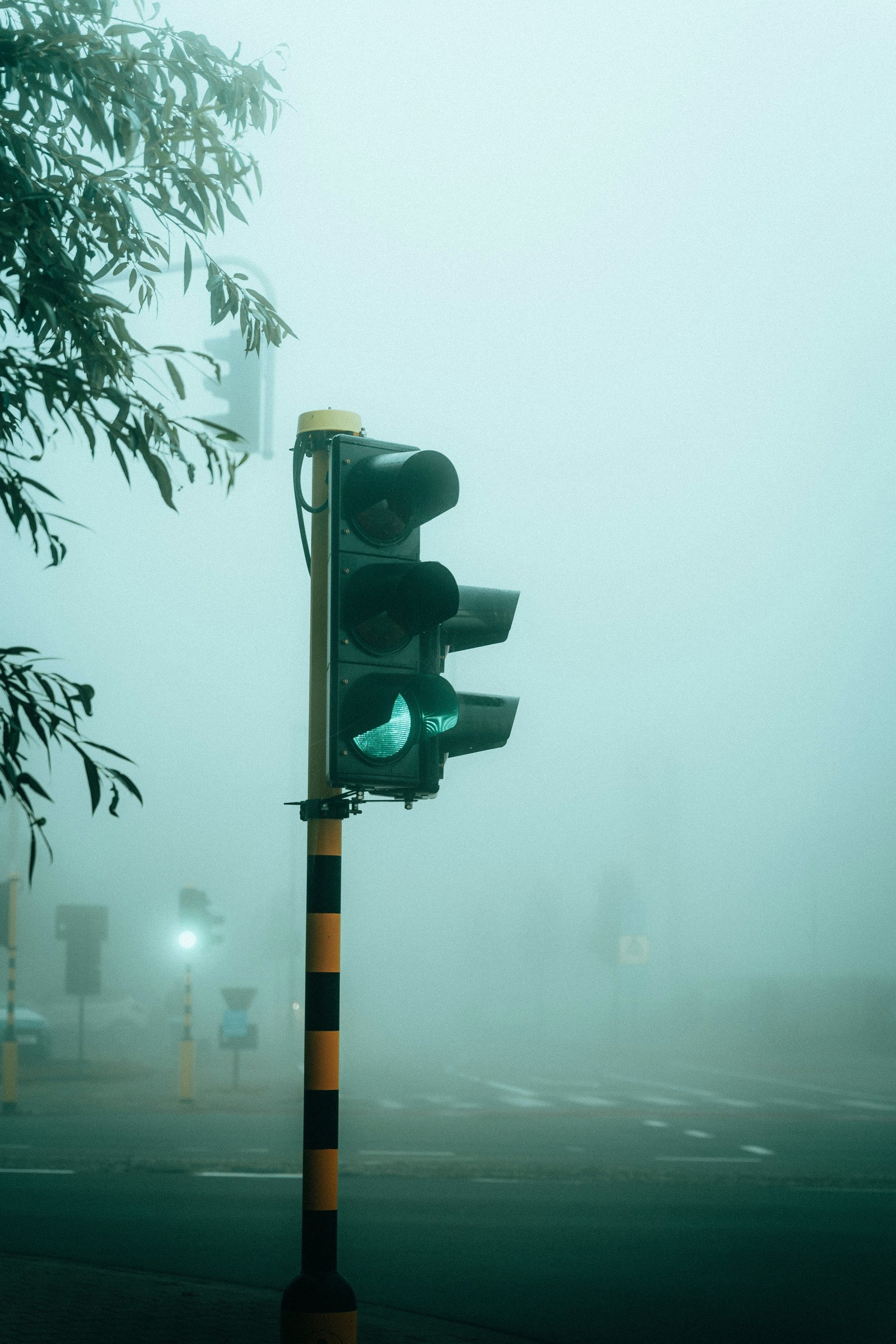
XMAS is designed for holiday atmosphere: glowing interiors, winter streets, warm lamps, festive colors, and cozy night scenes. The pack includes two Sun versions for brighter daylight moods and two Moon versions for darker cinematic edits.
Color and tone
Warm highlights, clean winter whites, soft contrast, and festive color depth.
Where to begin
Holiday, Interior, Winter street, Warm light.
Use XMAS when there is already a strong light source in the scene: lamps, candles, window glow, street lights, or reflective snow.
Adapt the look to your photograph
Choose the preset in BLUEGRADE, then adjust its amount. Balance exposure and white balance in Edit → Adjustments. Use Finish for the final texture and atmosphere.
These presets are complete looks. Adjust exposure first, then make only small changes to keep the designed color balance intact.
What to watch
Evaluate carefully with: Very green daylight, Flat grey skies, Overexposed faces. A preset cannot guarantee the same appearance across different lighting, skin tones and source files.