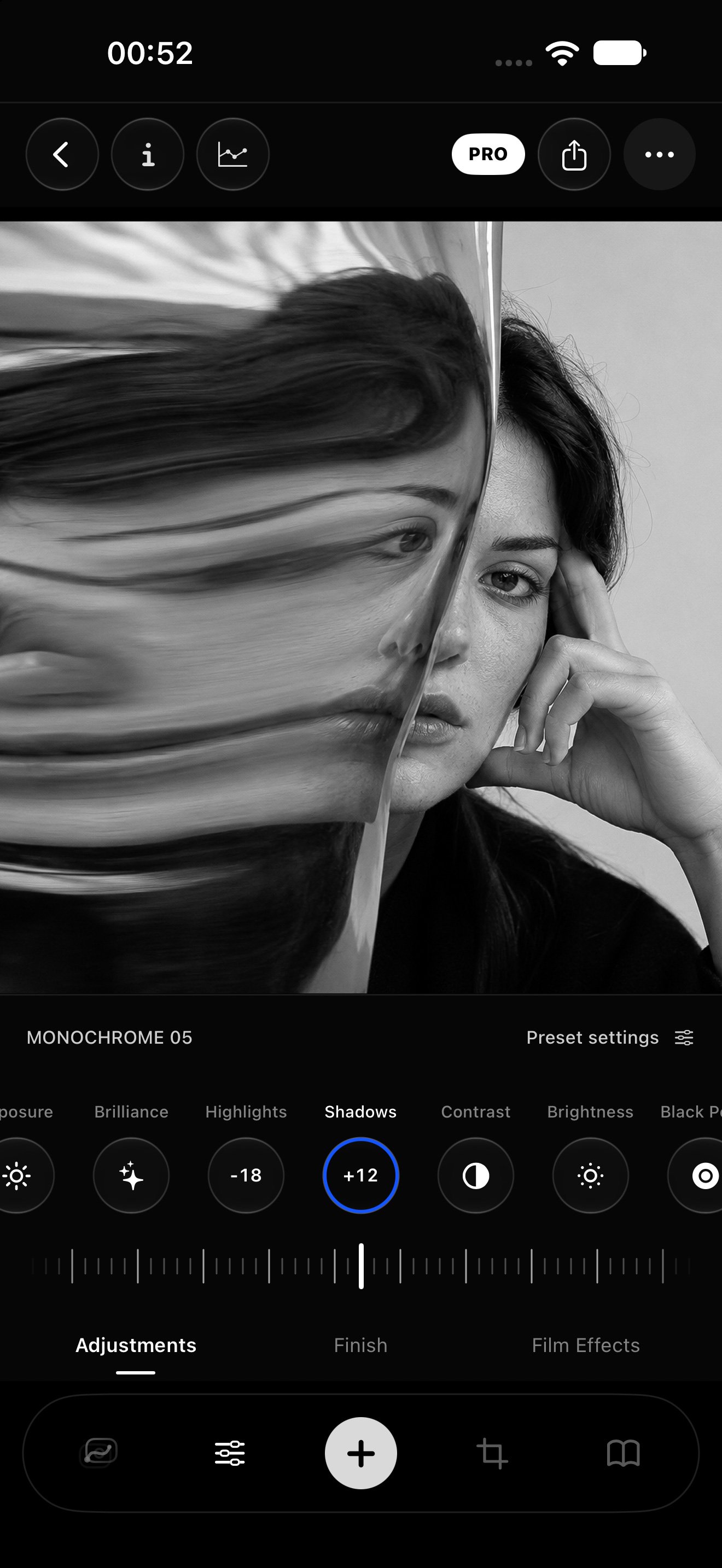
Read the image, then refine the light.
Preset identity and tonal controls stay visible beneath the photograph, so every adjustment can be judged against the whole frame.

BLUEGRADE FOR IPHONE
The iPhone workspace keeps the photograph visible and the essential tools close to your thumb. Move from inspiration to export without leaving the image behind.
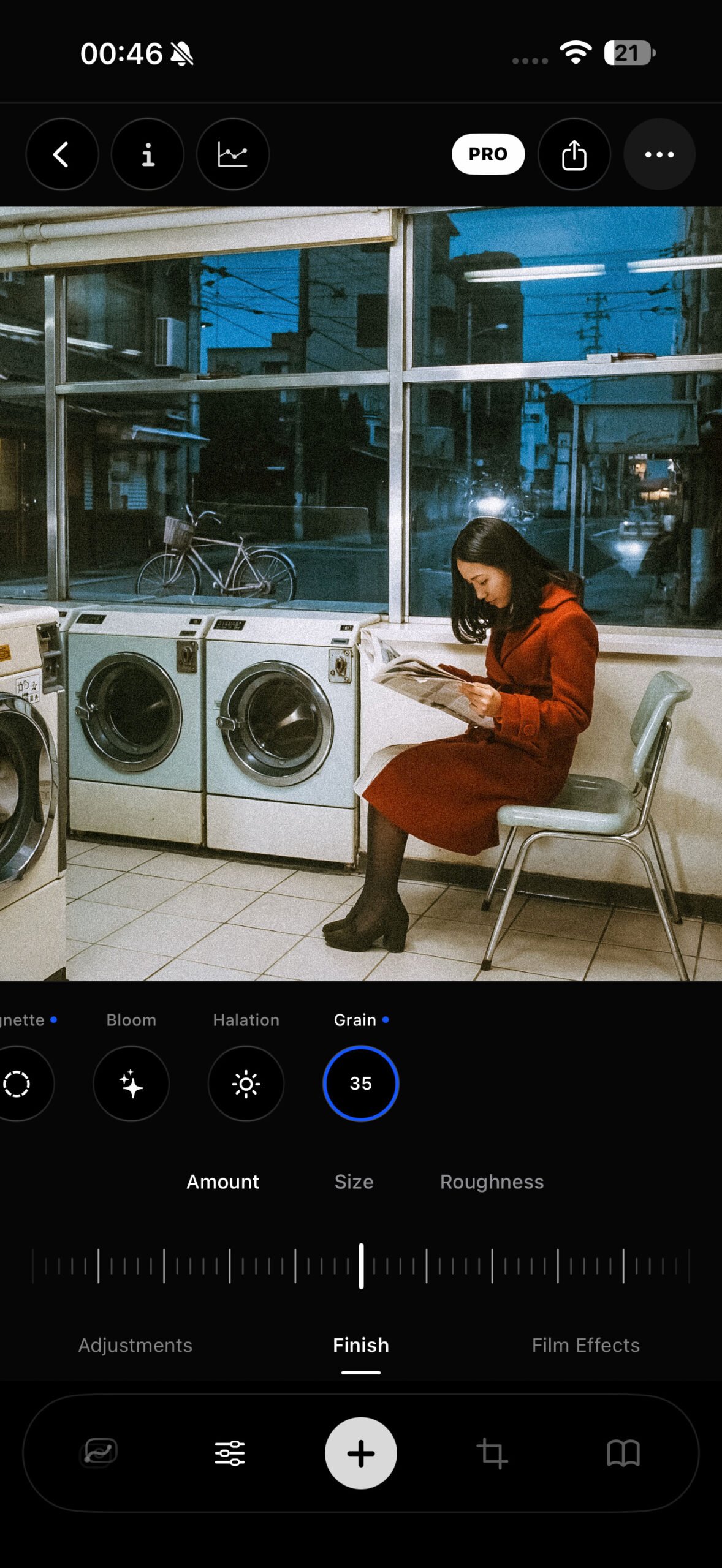
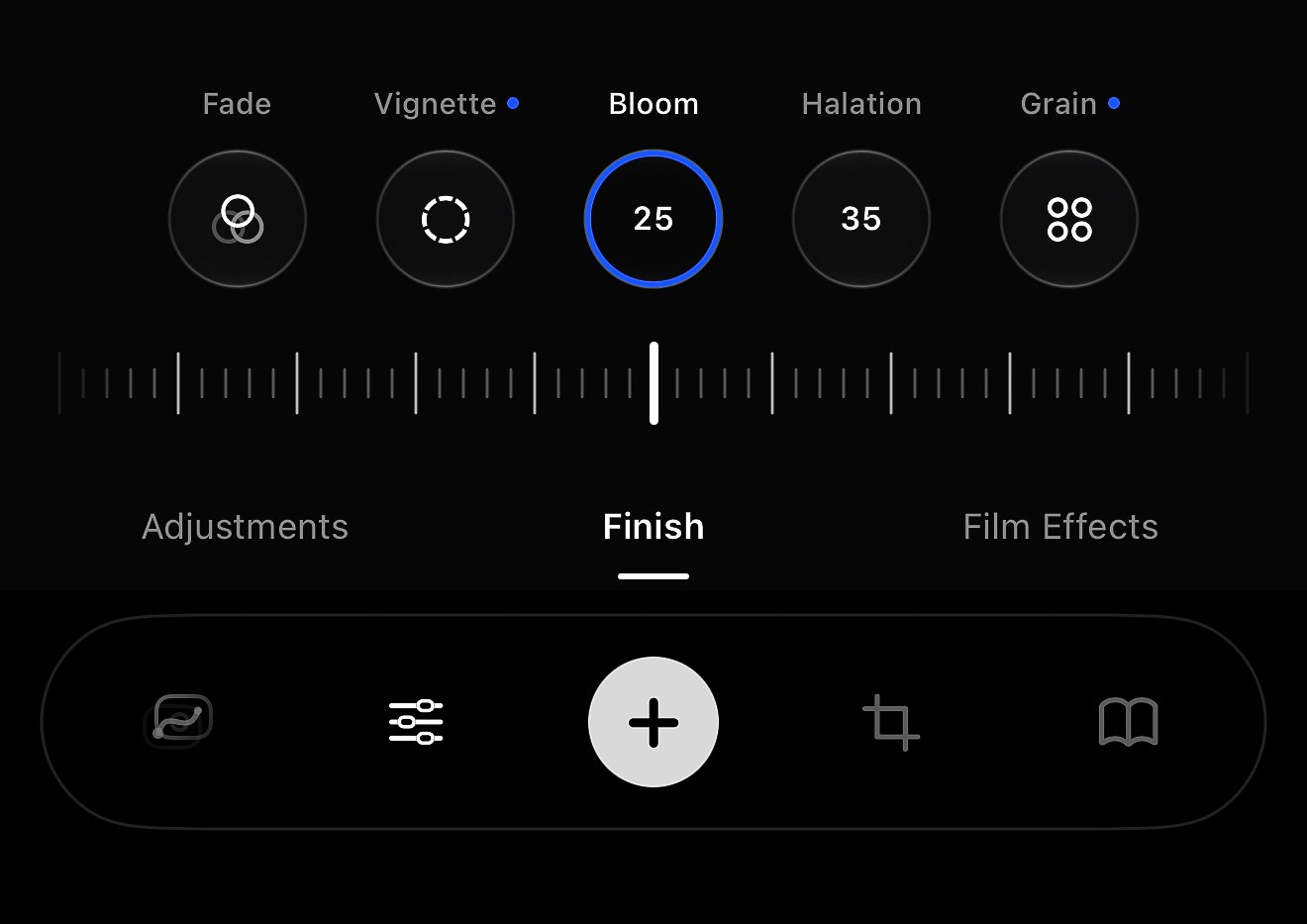
Visual aspect ratios, rotation, and crop controls share one focused surface, keeping the photograph clear while composition changes around it.
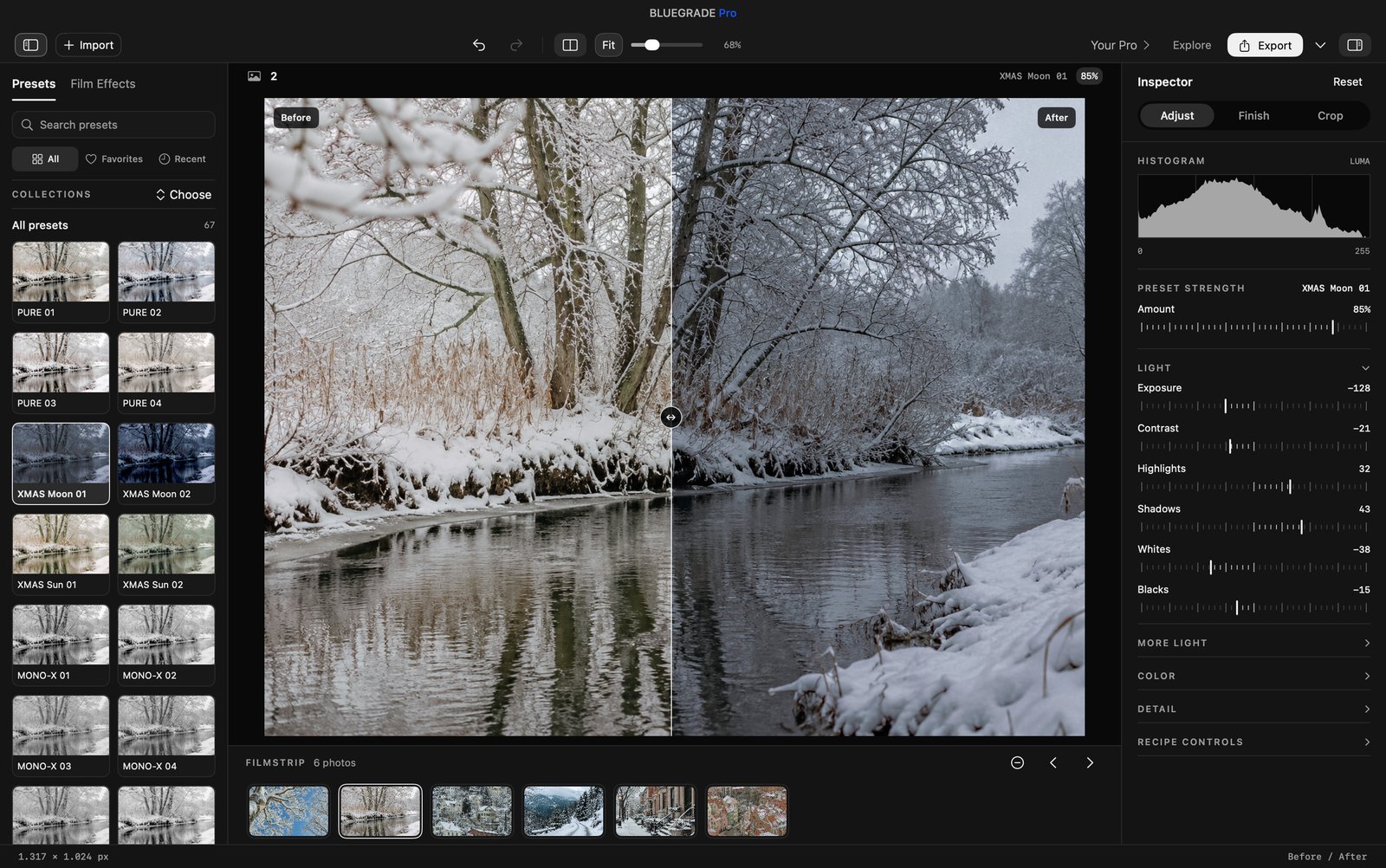
Preset identity and tonal controls stay visible beneath the photograph, so every adjustment can be judged against the whole frame.
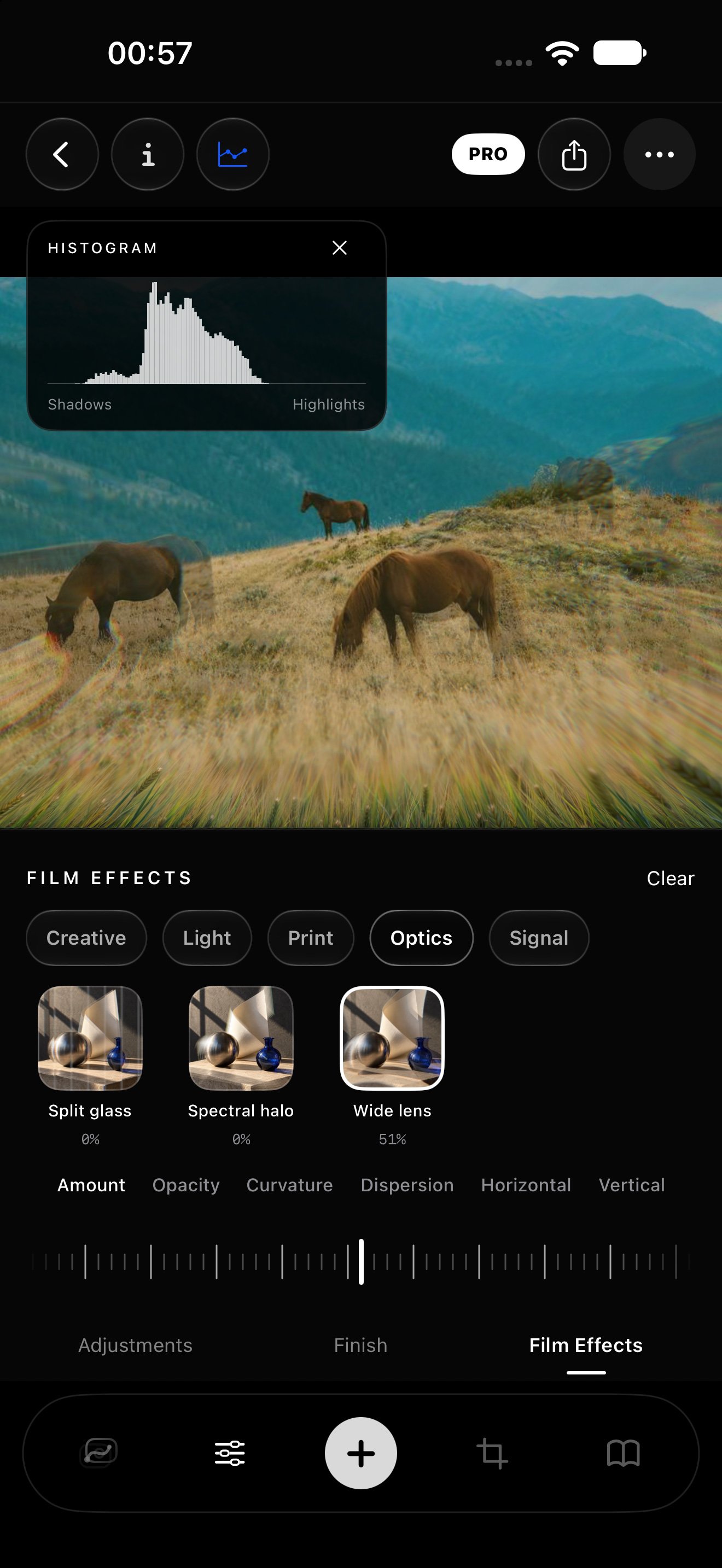
A live histogram and focused Optics controls keep exposure information and creative film effects in the same visual flow.
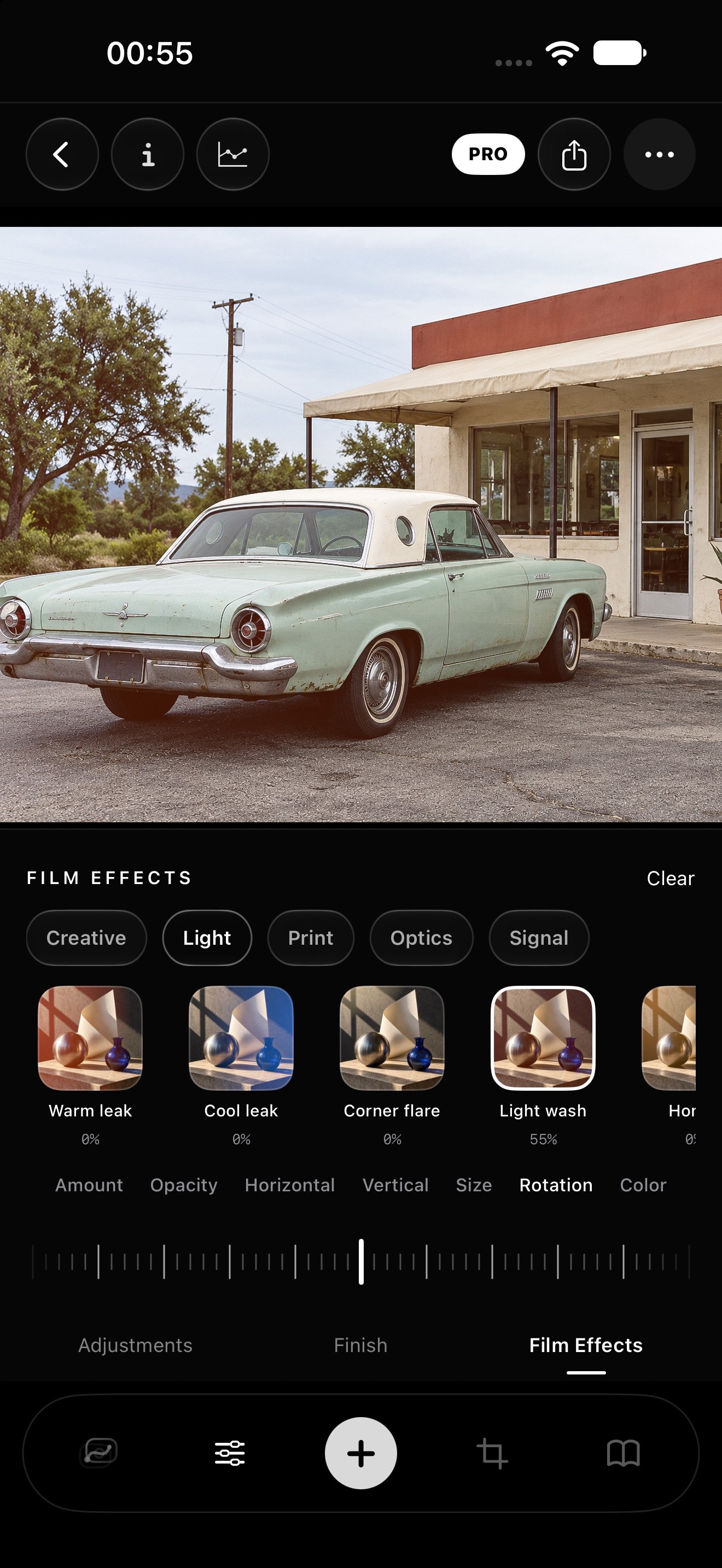
Leaks, flares, and light washes can be chosen and tuned while the photograph remains large enough to evaluate the result.
BLUEGRADE FOR MAC
The planned Mac workspace expands the same editing logic across a wider canvas. The image remains central while the library, controls, and output settings gain the space of a desktop.
INSIDE THE WORKSPACE
Move from a broad visual decision to precise finishing without changing the logic of the workspace. Each view keeps the photograph and the active choice easy to read.
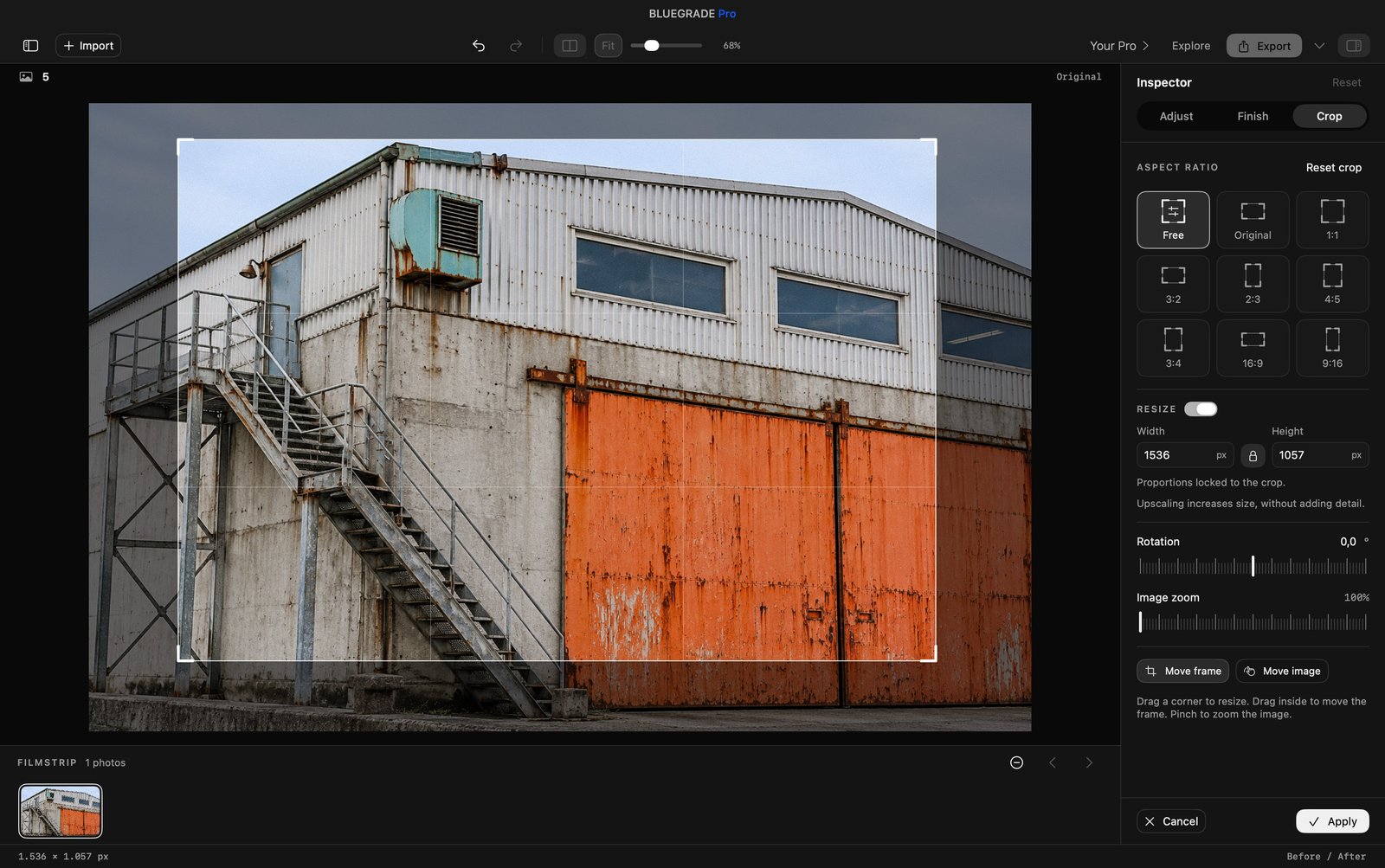
Aspect ratios, resize controls, rotation, and image position remain visible together, making composition precise without hiding the photograph.
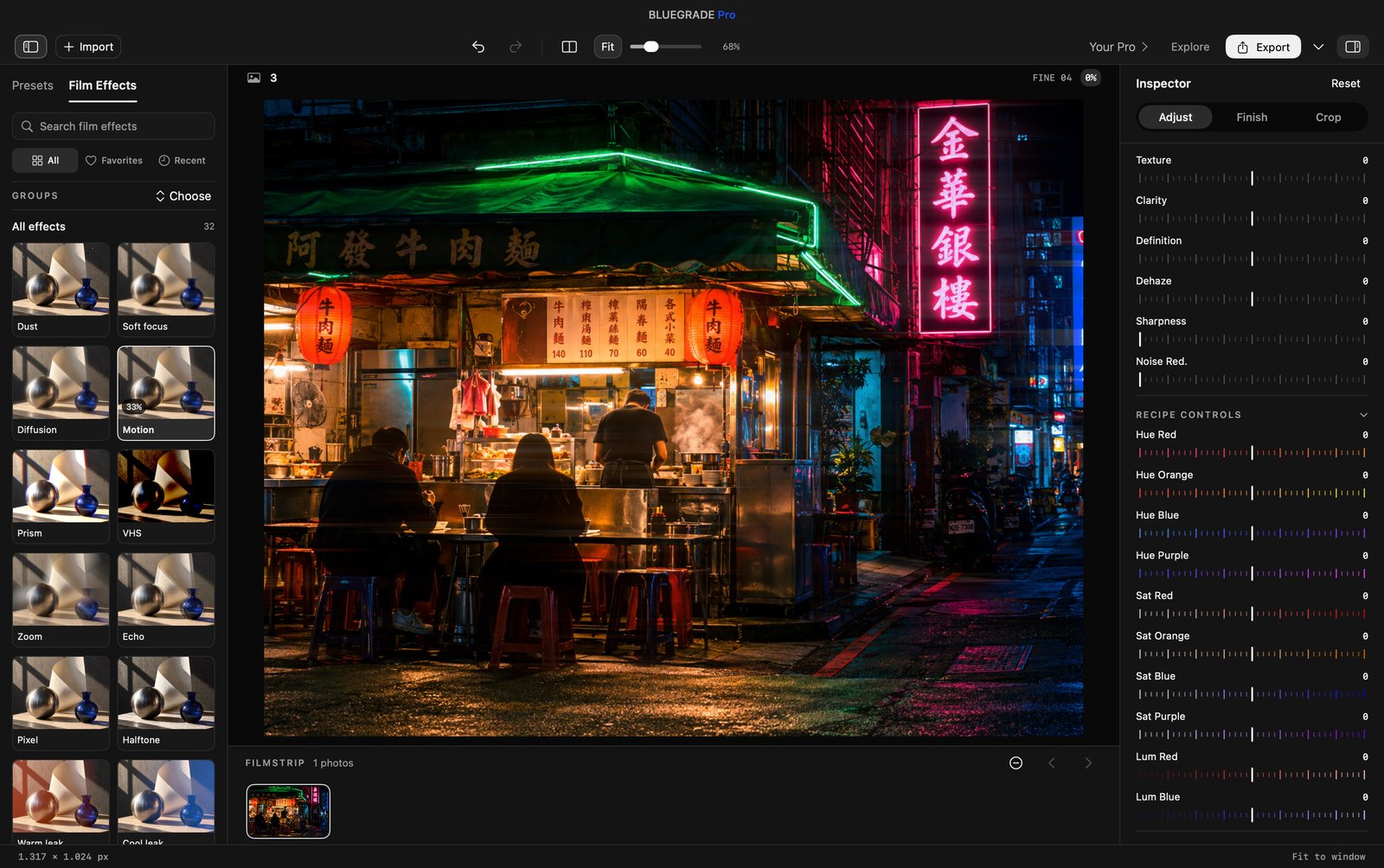
The effect library, photograph, and inspector share one workspace, so visual direction and detailed control stay connected.
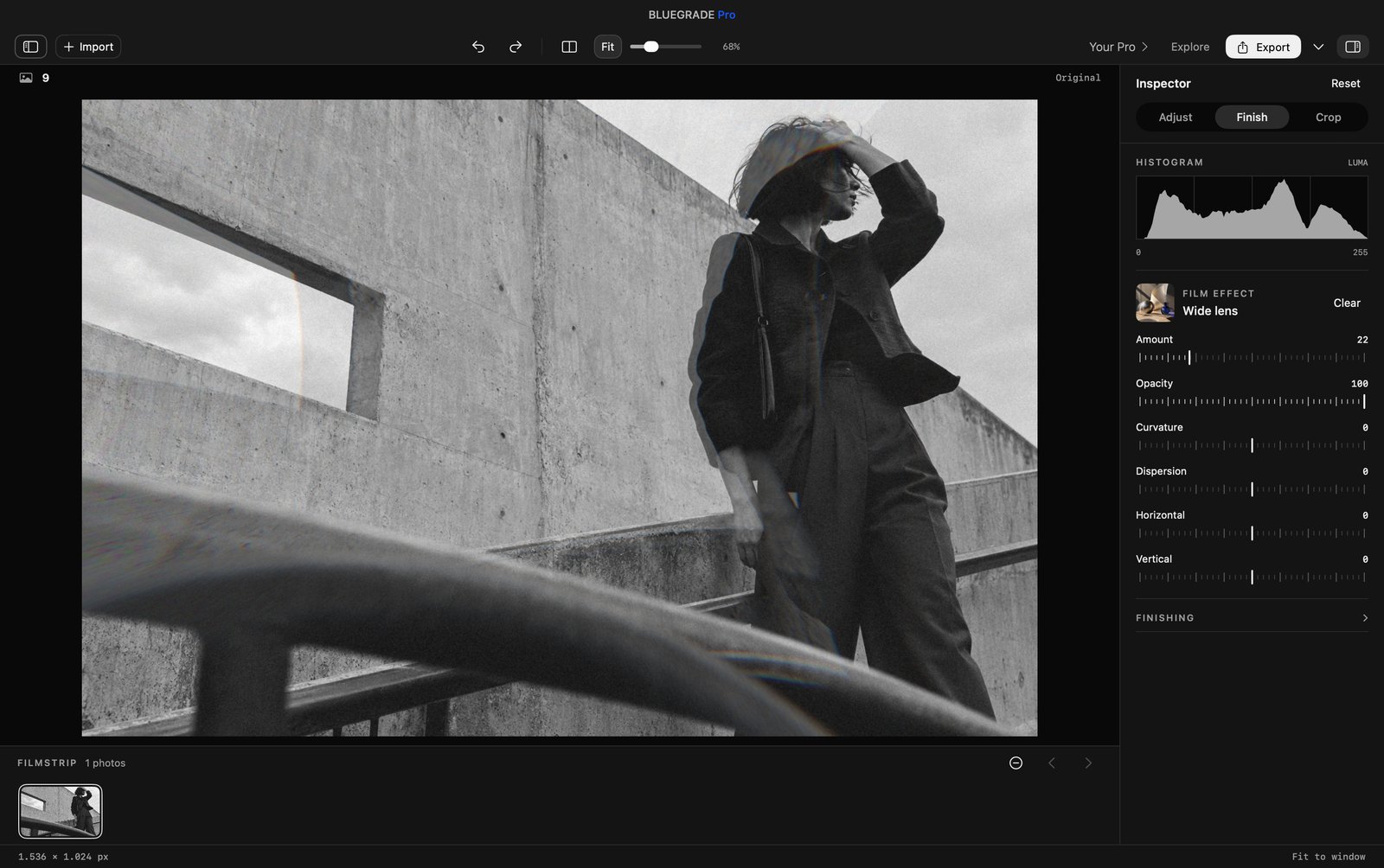
Histogram, effect settings, and finishing controls stay readable beside the image while the result remains the largest element on screen.
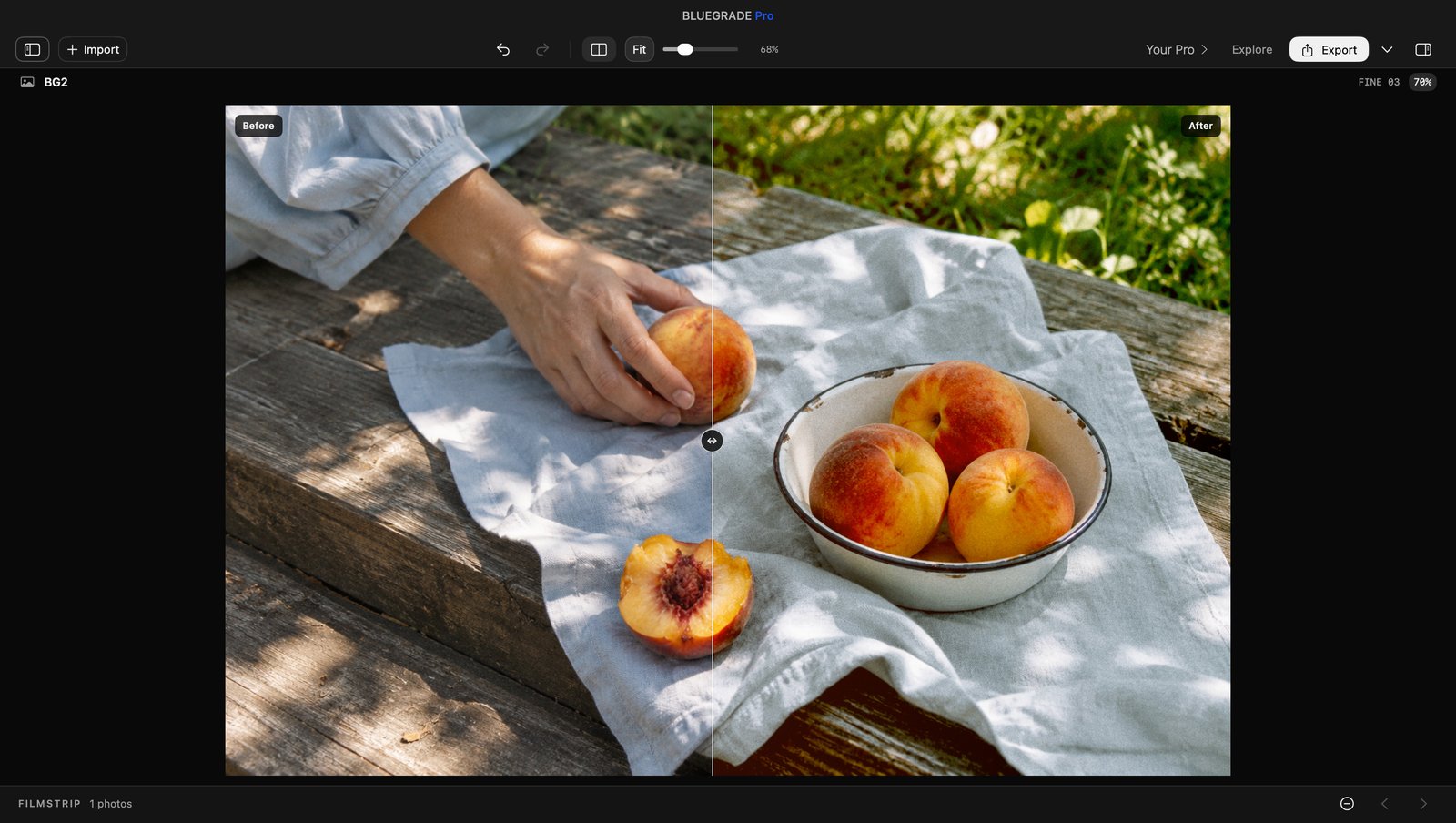
A distraction-free before-and-after view makes color, contrast, and atmosphere easy to evaluate across the complete frame.